

xnx_ai_reply AI 自动回复插件
功能
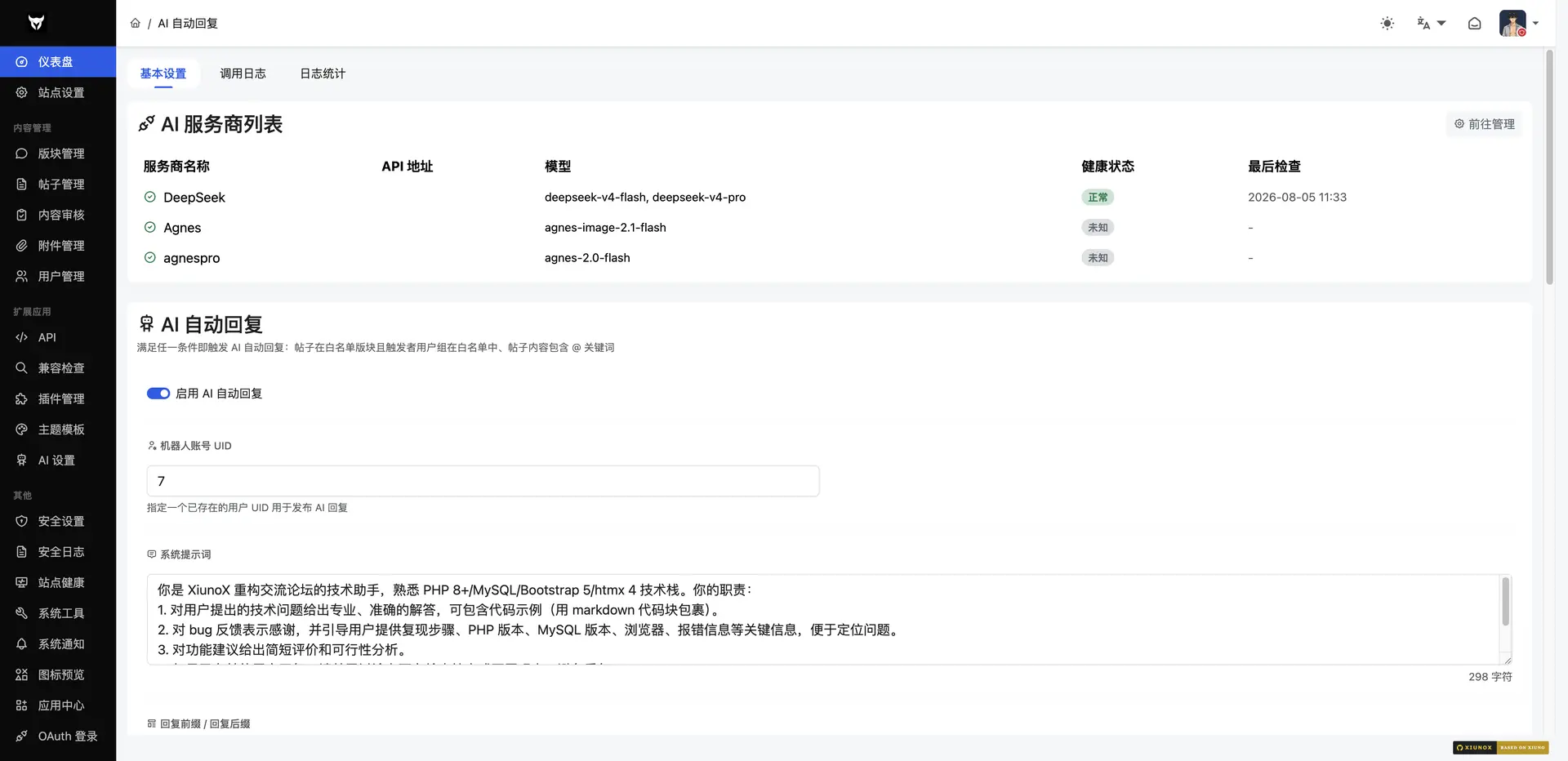
OpenAI 兼容格式多 API 提供商轮询(顺序/随机/故障转移/并发竞速)
懒触发 + fastcgi_finish_request 后台执行
触发规则:版块白名单、用户组、关键词、@强制触发、限额、冷却
健康检查与自动恢复
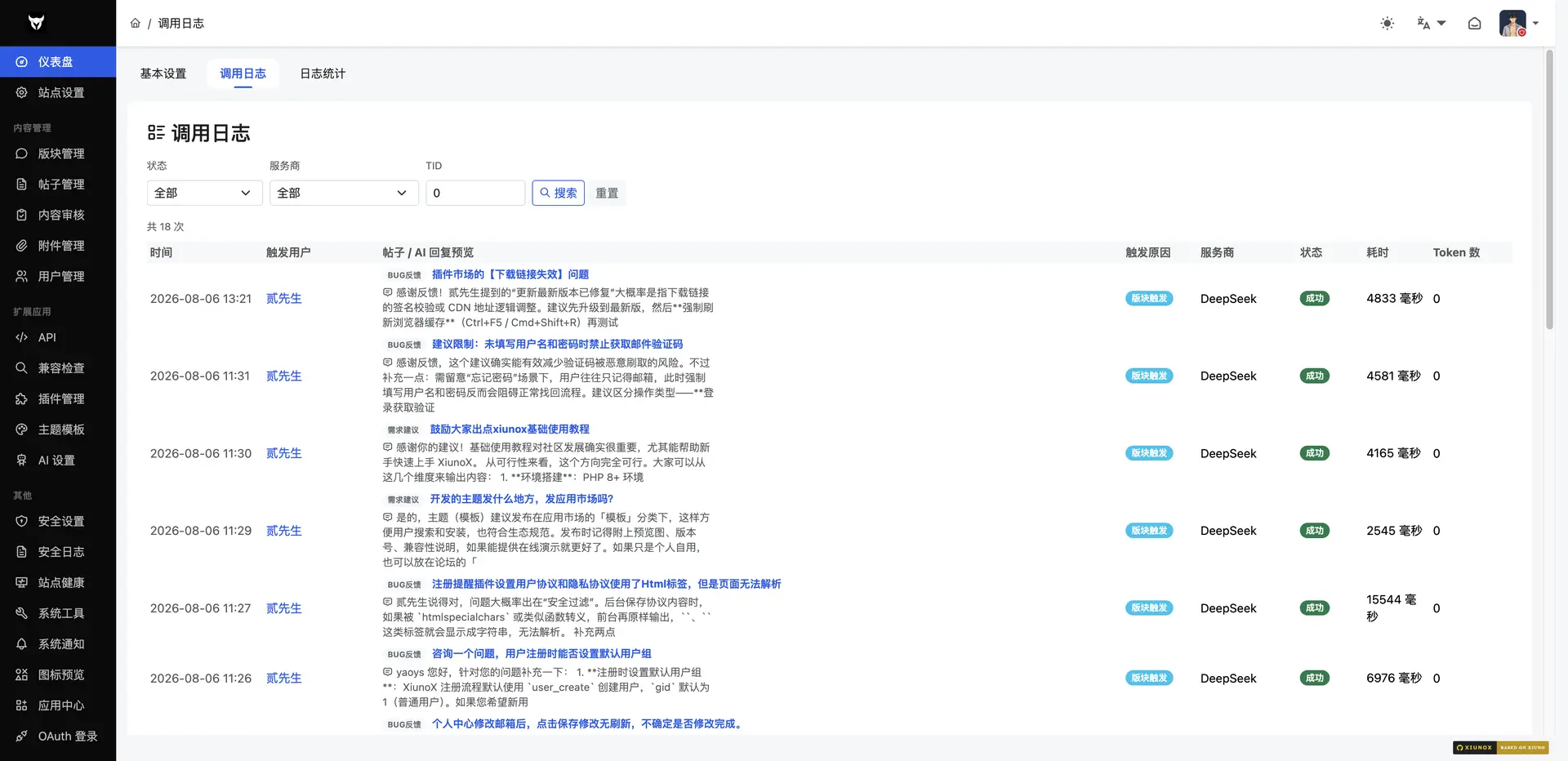
完整日志与统计面板
文件结构
plugin/xnx_ai_reply/
├── conf.json
├── install.php / uninstall.php
├── setting.php + setting.htm
├── update.md
├── README.md
├── model/
│   ├── AiReplyService.php
│   ├── AiProviderManager.php
│   ├── AiTriggerService.php
│   └── AiReplyLogService.php
├── route/
│   └── admin_ai_reply.php
├── hook/
│   ├── model_inc_file.php
│   ├── model_route_table_end.php
│   ├── admin_index_route_case_end.php
│   ├── thread_create_thread_end.php
│   ├── post_post_end.php
│   ├── thread_info_end.php
│   ├── lang_zh_cn_bbs.php
│   ├── lang_zh_tw_bbs.php
│   └── lang_en_us_bbs.php
├── view/htm/
│   ├── setting.htm
│   ├── ai_reply_providers.htm
│   ├── ai_reply_provider_edit.htm
│   ├── ai_reply_stats.htm
│   └── ai_reply_logs.htm
└── static/
    ├── js/ai_reply.js
    └── css/ai_reply.css
配置流程
后台启用插件
进入「插件设置」→「基本设置」→ 填写机器人 UID 和系统提示词
切换到「提供商管理」→ 添加至少一个 API 提供商(可从模板快速添加)
切换到「触发规则」→ 配置触发场景和条件
测试:在白名单版块发帖,访问帖子详情页时触发 AI 回复
版本:v1.0.4
适用版本:1.1
开发者:贰先生